Your photos, your documents, your work.
A hard drive that won’t spin up, an SSD that vanished, a USB stick formatted by mistake or deleted files: we analyse the device, tell you what can be saved and quote you before any work. We recover data in 95% of cases, and if we can’t, you don’t pay.
Every device, every kind of failure.
Hard drives
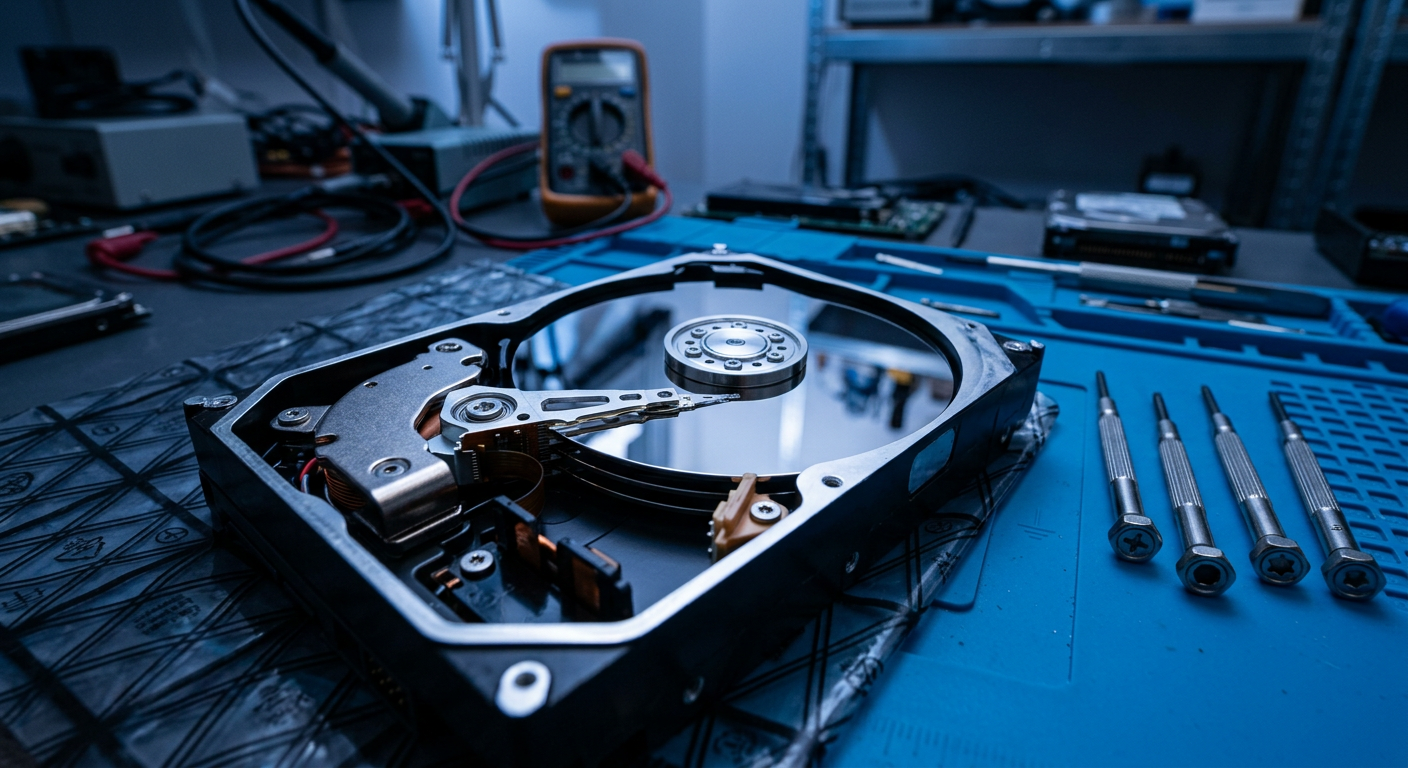
2.5" and 3.5" drives from desktops, laptops and external enclosures: strange noises, drive not detected, bad sectors, drops and liquid damage. Mechanical work is done in a cleanroom.
- Cleanroom
- Mechanical
- Electronic
- Logical
SSD and NVMe
SATA, M.2 and NVMe drives that are no longer detected, freeze or report the wrong capacity. Controller and firmware analysis.
- SATA
- M.2
- NVMe
USB sticks and SD cards
Pen drives, microSD and cards from cameras, drones and dashcams: formatted, unreadable or asking to be formatted.
- USB
- SD / microSD
- CF
NAS and RAID
Synology, QNAP and business servers with degraded volumes, failed disks or lost RAID configurations.
- RAID 0/1/5/6/10
- NAS
- Server
Deleted files
Deleted folders, emptied recycle bin, removed partitions or a drive formatted by mistake: the data is often still there.
- Formatting
- Partitions
- Recycle bin
PC that won’t boot
Windows or macOS no longer starting? We secure your data before reinstalling or repairing the system.
- Windows
- macOS
- Linux
From failure to your files, step by step.
- 1
Tell us what happened
Call us or visit the shop: what happened, what device it is and which data matters most.
- 2
Device diagnosis
We analyse the drive with professional tools, without writing anything to it, to identify the failure.
- 3
Clear quote
We tell you what can be recovered and what it costs. You decide whether to go ahead, and if we recover nothing you don’t pay for the recovery.
- 4
Recovery and checks
We work on a copy of the drive, never the original, and check that the recovered files open.
- 5
Data handover
You get your data back on a new device. Working copies are securely wiped.
What to do right away
- Switch the device off and unplug it: every minute in use can make the damage worse.
- If the drive makes noises (clicking, buzzing, scraping) do not power it on again.
- Write down what happened before the failure: it helps the diagnosis.
What not to do
- Don’t install recovery software on the same drive you want to save.
- Don’t open the drive: a speck of dust on the platters can make data unrecoverable. It must only be opened in a cleanroom.
- Don’t format or reinstall the system, even if the PC asks you to.
Full confidentiality
Your data stays yours. We only look at what is needed to verify the recovery, share nothing and securely wipe all temporary copies once the job is done.
Frequently asked questions
Can everything always be recovered?
Almost always: we recover data in 95% of cases, but it depends on the damage. The diagnosis tells you honestly what can be saved before you spend anything. And if we end up not recovering the data, you don’t pay for the recovery.
How much does data recovery cost?
It depends on the device and the failure: a deleted file on a USB stick is very different from a drive with broken heads. After the diagnosis you get a precise quote.
How long does it take?
Logical recoveries, such as deleted files or formatting, usually take a few days. Physical failures can take longer: we tell you in the quote.
Can I ship the drive if I’m not nearby?
Yes. Contact us before shipping: we’ll explain how to pack it so it isn’t damaged in transit.
What do you return the data on?
On a new hard drive, SSD or USB stick, which you can bring or buy from us. For small amounts of data we can use a device you already have.
Don’t wait: the sooner we act, the more data we save.
Bring the device to the shop or call us for a first assessment.